I spent much of 2025 the way I spent 2023 and 2024: bulldozing speedbumps.
It’s a metaphor I’ve deployed before. It means “identify things that create extra work, or stress, or pain, and remove them.” The full metaphor goes something like this:
Before Long Covid¹, I was like a fast vehicle with a very robust suspension. Speedbumps, rough road, and even obstacles were things I hit at full speed, powering over them or through them. Sure, I tried to work smarter, but working HARDER was always an option.
Now, however, I’m disabled. I’m more like a late 1960’s station wagon with the original shock absorbers. Also, the back of the vehicle is full of boxes of glassware, none of which has been packed with proper padding. When I see a speedbump, I don’t just slow down. I stop.
I get out of the vehicle, measure the speedbump, then bring in a bulldozer to scrape it off my road. While the heavy equipment is out I check for potholes, and take care to repair all the pavement in sight.
This slows me down a lot, but it also prevents me from crashing, and the word “crashing” nicely links the metaphor to the lived experience. PEMS (Post Exertion Malaise Syndrome) is part of my life now. If I push too hard, I crash. I get weak, everything hurts, my mental state degrades, and if it’s a bad enough crash I will actually run a fever and end up in bed.
So… by 2023 I had internalized this process. I built systems to make my life easier. Very shortly into this process I decided to build systems to make building the systems easier, and that shaped 2023, 2024, and 2025. I designed, built, and refined the Technocane (I taught my cane to carry my phone so my phone would teach me to carry my cane) and the Gravistation (a zero-gravity recliner surrounded by every last tool I need to write and illustrate)².
2025 felt like mostly smooth road, but from that easy-riding perspective I was now able to see the roads I’d been avoiding. I decided to tackle some of those. There were some refinements to the Technocane and the Gravistation, but most of my effort went into the kitchen.
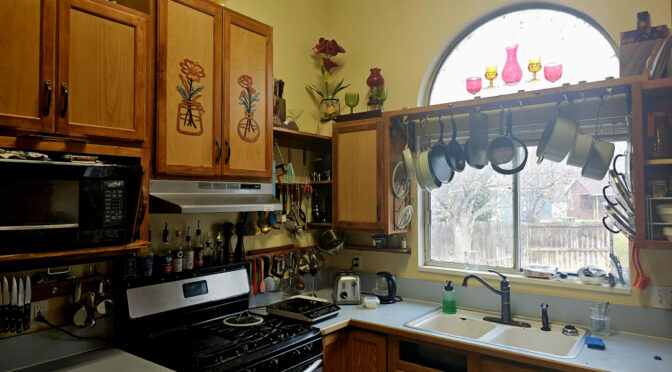
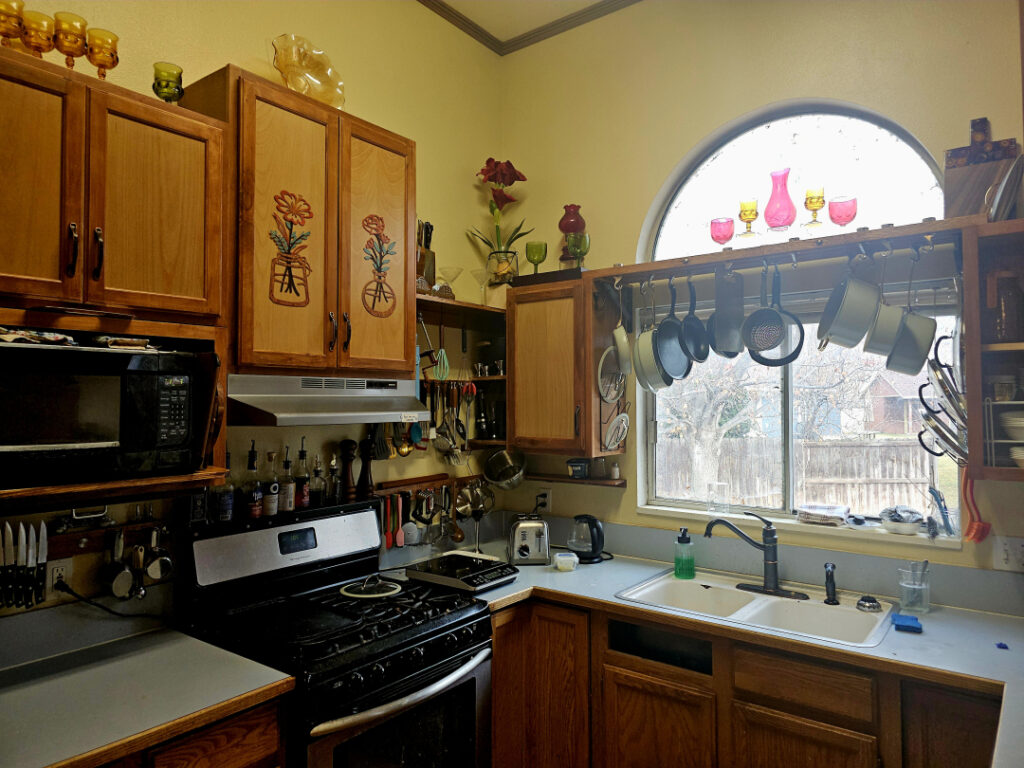
The upgraded kitchen, as of January 2026.
There were two reasons for this: first, Sandra has some new nutritional requirements³ and I needed to up my cooking game to address those. Second, I like to cook, so I should to make that process as speedbump-free as possible. That way I can cook and still have the energy to do other things later in the day.
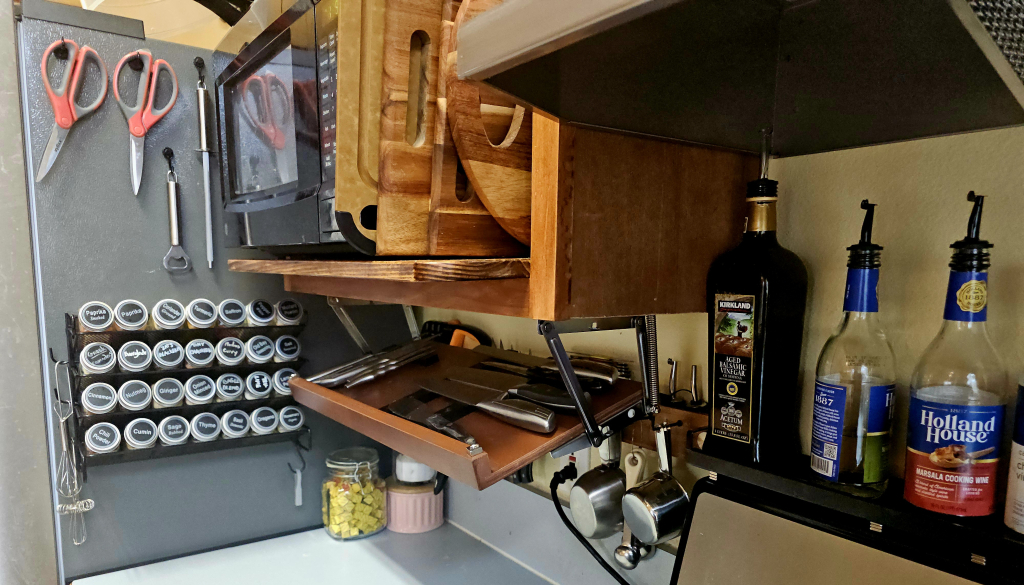
The spice rack, the drop-shelf for the knives, and other easy-to-reach, often-used things.
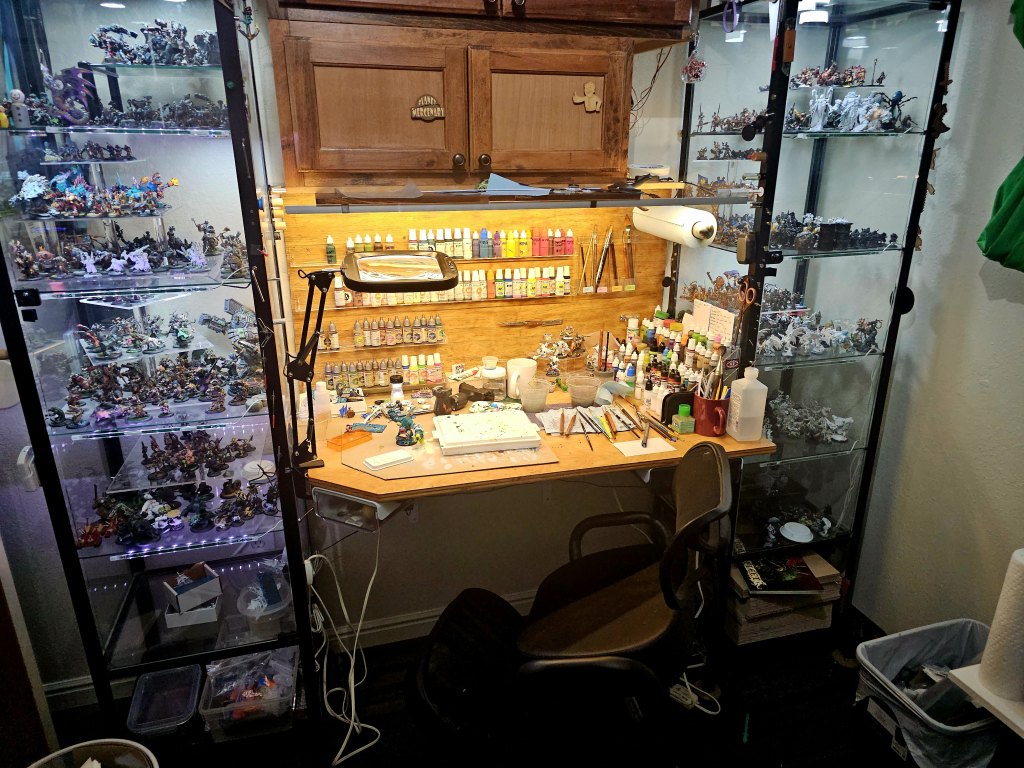
At Gen Con Indy we learned I can work a covention booth without being reclined the entire time, provided I have a comfortable kneeling chair. I did need to work on my posture and my core strength a bit, so in September we decided to rebuild my craft station (unused for almost five years) so that I could train for conventions while painting miniatures.
The crafting station, totally cluttered, with the kneeling chair in front of it tempting me to go paint instead of finishing this blog post.
This was a huge success. I painted around 140 minis from September through the end of the year, and now I’m quite comfortable working from a kneeling chair.
Working… let’s talk about that. After all, if you’re reading this it’s probably because you’re most interested in the work I do. During 2025 we finished the last of the shippable bits for the MANDATORY FAILURE Kickstarter project (book sketches and marker-colored sketch cards) and I dove back into the core deliverables for FUNCTION OF FIREPOWER, starting with the Bonus Story, “Refulgence of Refuge.”
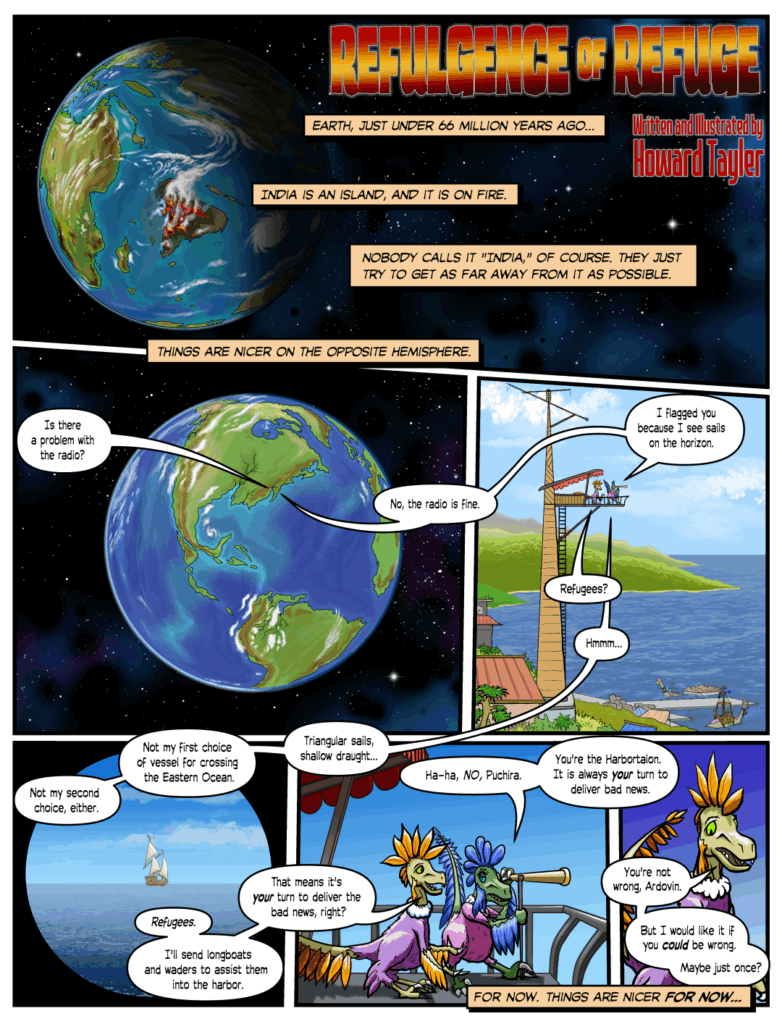
That story deserves its own blog post, because it’s a really cool story, and the story OF the story is still unfolding by virture of the fact that I’m still drawing the pictures. Until then, here’s a picture.
Page 1 of “Refulgence of Refuge.”
So… that’s my 2025 round-up, along with a bit of insight into what 2026 will hold. I have more to say about (and during) 2026, but this is running long, and I haven’t even added the footnotes yet⁴.
———
¹ I’ve talked about this before. tl;dr—I got sick during Wave Zero in early 2020, and now I have Long Covid, which manifests mostly as chronic fatigue. ² In 2024 I promised that I’d publish all the details on the construction of these things. I still haven’t done that, but I have all my notes. We even filmed a video of me building a new Technocane in 2025. So… I’m working on it. ³ EOE, which we’re addressing with 6FED. Unpacking that would be a three-page footnote. But now you have the acronyms, so you can upack them on your own. ⁴ Okay, that was a half-truth. I’d already written and formatted the first three footnotes. I write those as I go. But I hadn’t added THIS one yet. I guess that means it was more like a ¼-truth?
In this post I’ll explain in detail how you too can turn your fancy Deluxe Game Chief’s “Handbrain” Screen from slick, dry-erase-compatible ABS plastic to a battered, rusty piece of equipment that has seen better centuries.
A Disclaimer Meant to Give You Hope
Sandra did all the modding work shown here, and she is a beginner. I explained the processes and provided tools, but she is the one who applied all the paint. This was her second experience with spray paint, and her first experience with glazing and dry-brushing, so while the results are perhaps a bit less polished than if I’d done the work, they’re easily within the reach of somebody who is new to hobby painting.
This tutorial is long, but the actual process goes very quickly, and most of the time you spend on the project will be spent waiting for things to dry between steps.
Let’s go!
Modding Your Handbrain
Supplies & Tools
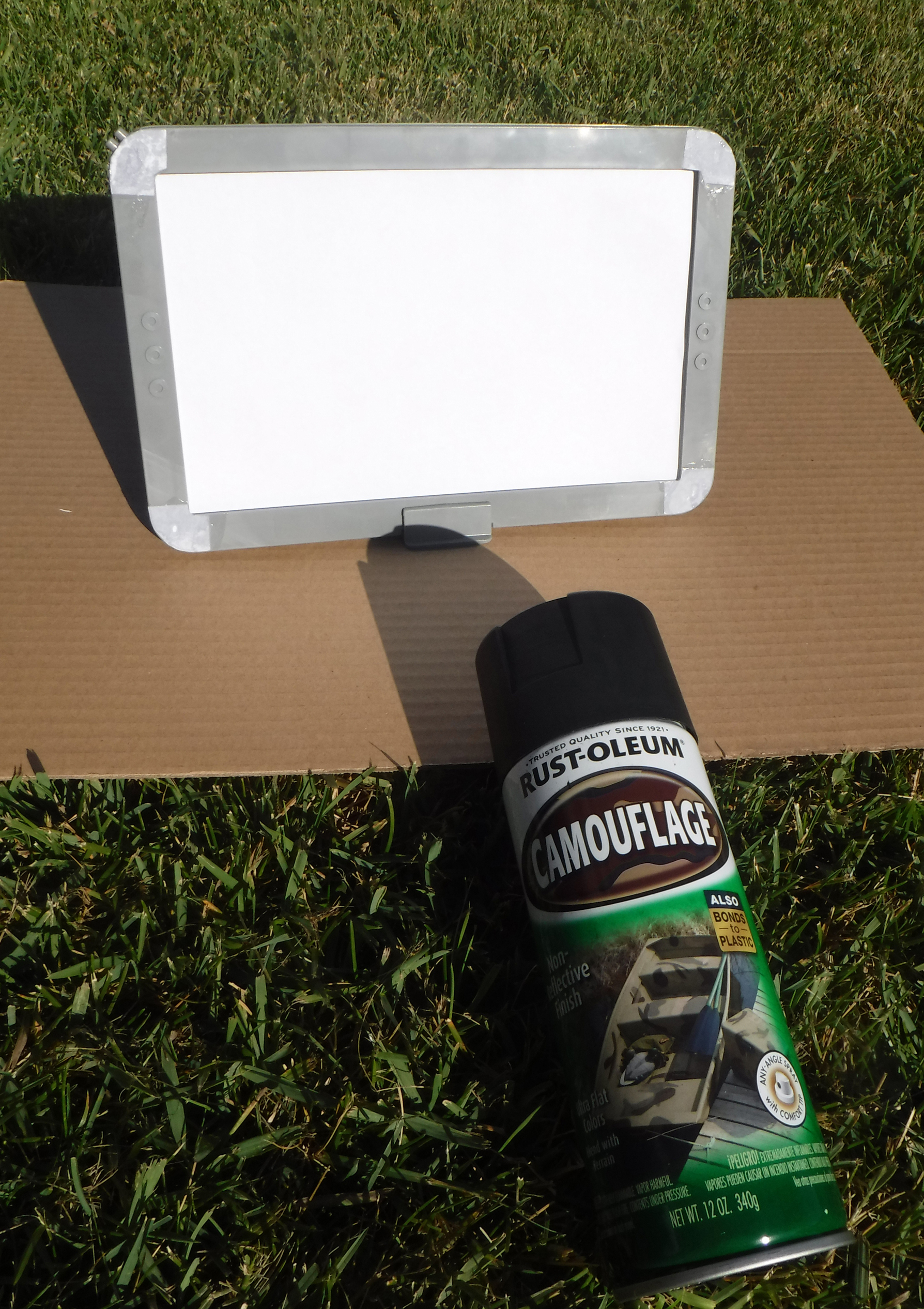
Supplies for the “Rusty Iron” mod
You will need the following:
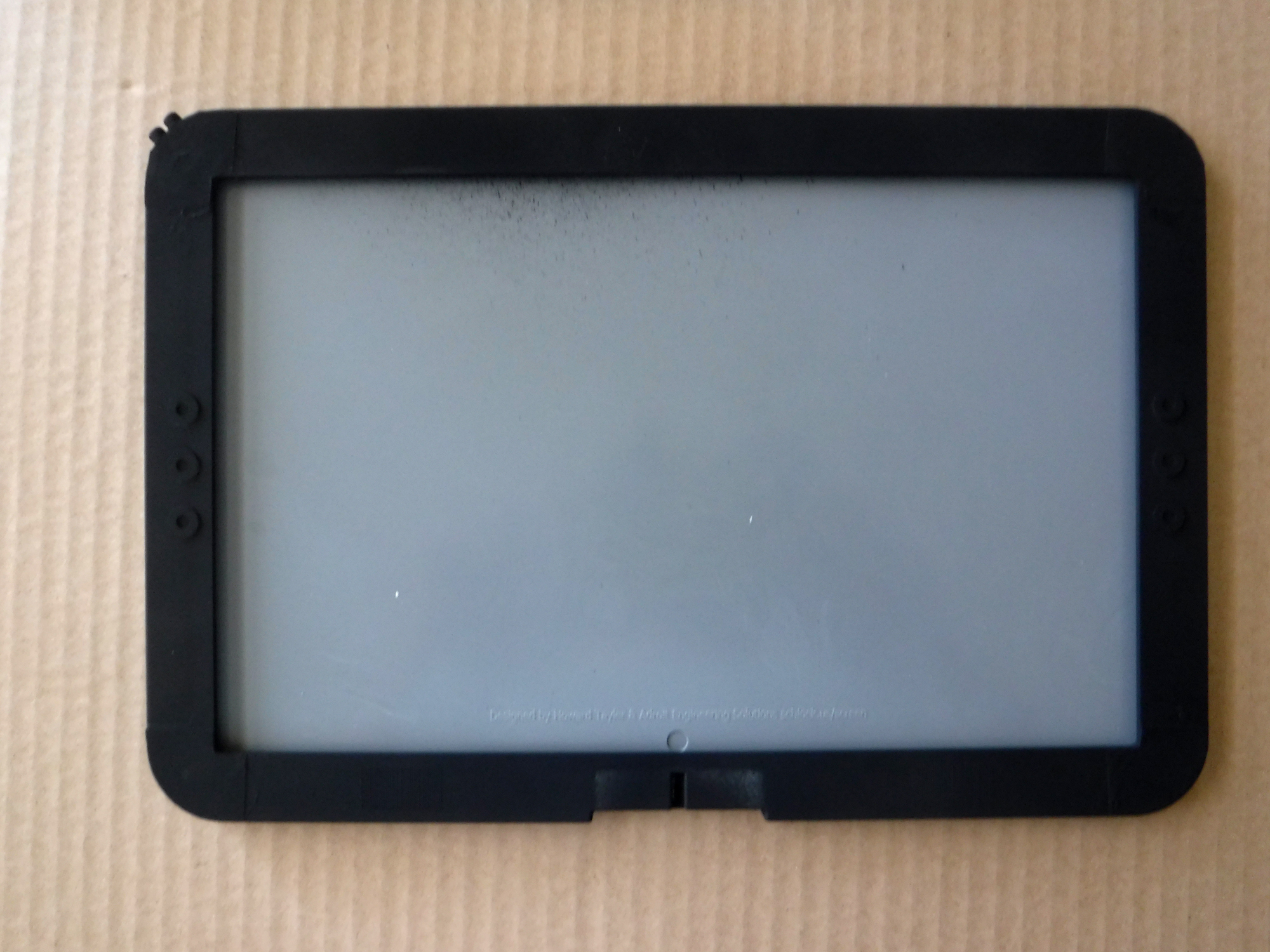
The Handbrain Screen (or anything else that will take spray paint, and that needs to look rusty)
Two large pieces of cardboard (work surfaces)
Paper towels
Letter or A4 paper, folded or cut in half.
Scissors
CA glue (“Superglue”)
Sandpaper or a sanding sponge
Ultra-flat black spray paint (Rustoleum® Camoflage Black is my favorite)
Testors Dullcote spray lacquer
P3® hobby paints: “Bloodstone” and “Pig Iron”
Two paint brushes—one for the rust wash, and one for dry-brushing.
Water for thinning paint and rinsing brushes
Q-tips (not shown in photo)
Something to mix paint on (not shown in photo. Sandra used a paper plate.)
With the exception of the paint, brushes, and sanding sponge, everything here is probably already in your house. If not, the total cost of these supplies is between $20 and $30, unless you go all-in on fancy brushes, which we did not.
The P3 paints are available from your friendly local game store, and from lots of online shops as well. Each bottle costs about $4. Any metallic acrylic hobby paint can be used in place of the Pig Iron, but I have not found an acceptable “rust wash” substitute for Bloodstone.
Phase 1: Surface Prep
In which we add a little of our own texture to the surface, and get it ready for paint.
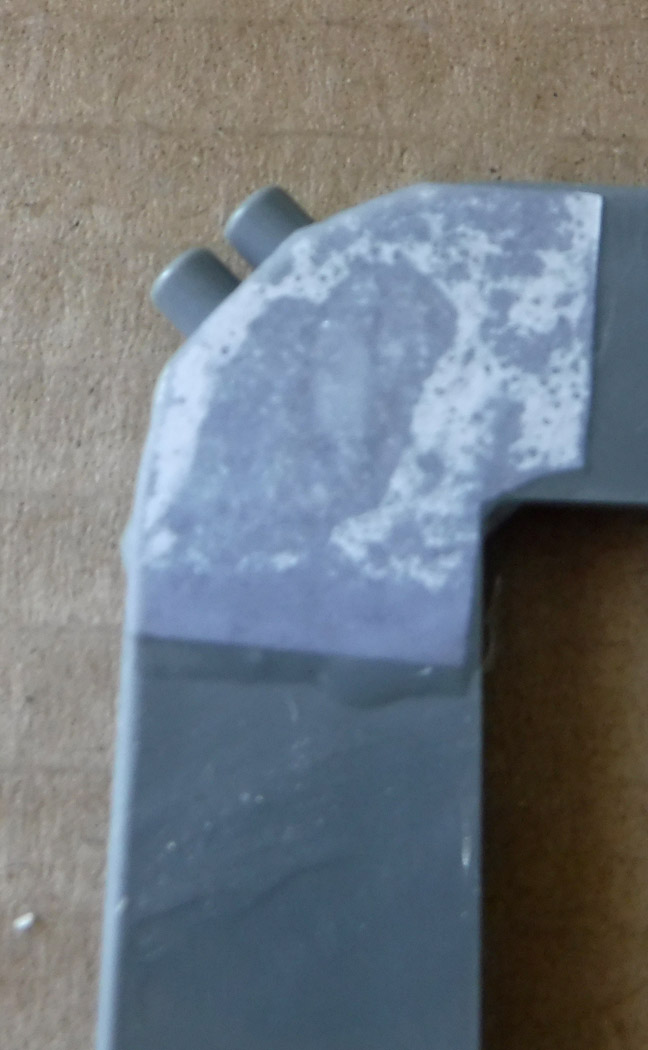
Sand the corners of the screen
If you’re feeling really plucky, take the scissors and score some “battle damage” in places.
Wipe it down with a damp paper towel, and then wipe it dry. This is the only critical step here. The sanding and scoring is just for show.
Phase 2: Patch and Customize
Superglue + paper = welded metal patch
Cut paper patches for the eight holes in the corners of the screen.
DO ALL GLUE THINGS ON DISPOSABLE CARDBOARD WORK SURFACE. Because superglue is forever.
Carefully, drop-by-drop, create a bead of superglue around the hole.
Lay a paper patch over the hole. It will wick up the glue and change color.
Using a Q-tip, flatten the paper. As necessary, add another drop of superglue, and spread that with the Q-tip.
Repeat steps 3-5 for the remaining 3 corners on this face.
Wait for the glue to dry. It will dry faster in humid environments because superglue does not “dry,” it “cures” by bonding with water. (This, incidentally, is why you don’t wash wet superglue from your body using water. Wipe it off with a dry paper towel. The driest you can find, but be quick…)
Flip the screen over, and repeat steps 3-7 for the four corner holes on the back.
Feeling plucky? Cut some more paper into cool shapes, and glue those down. By now you’ll feel pretty confident in your process. Sandra did!
Roughed up with sanding, and custom-textured with superglue and plain old paper
Phase 3: Spray Paint!
If you’ve spray-painted things before this whole section will seem like too many words.
Find a good place, like and outdoor place, to paint. Use your cardboard to prevent painting things that should remain unpainted.
Stand the screen on its base, and insert a sheet of paper to mask the inside surface of the screen.
Apply spray paint to the front of the screen and the back of the base (but not the back of the screen) according to the instructions on the can
Wait for it to dry. Ten to twenty minutes, unless you over-sprayed and made puddles. The ultra-flat finish paint is only shiny when it’s still wet, so you don’t need to touch the surface to check for dryness.
Flip screen in stand. Paint the back of it (now that it’s at an angle which is easy to get at.)
Again, the waiting.
Remove the screen from the stand. See the bit that was masked by the base? Very lightly spray that part, front and back.
More waiting.
Ready for Phase 4!
Phase 4: Getting Rusty
Thanks to quirks in the formulation of P3 Bloodstone, this step is like magic. It looks terrible, and then suddenly it looks perfect.
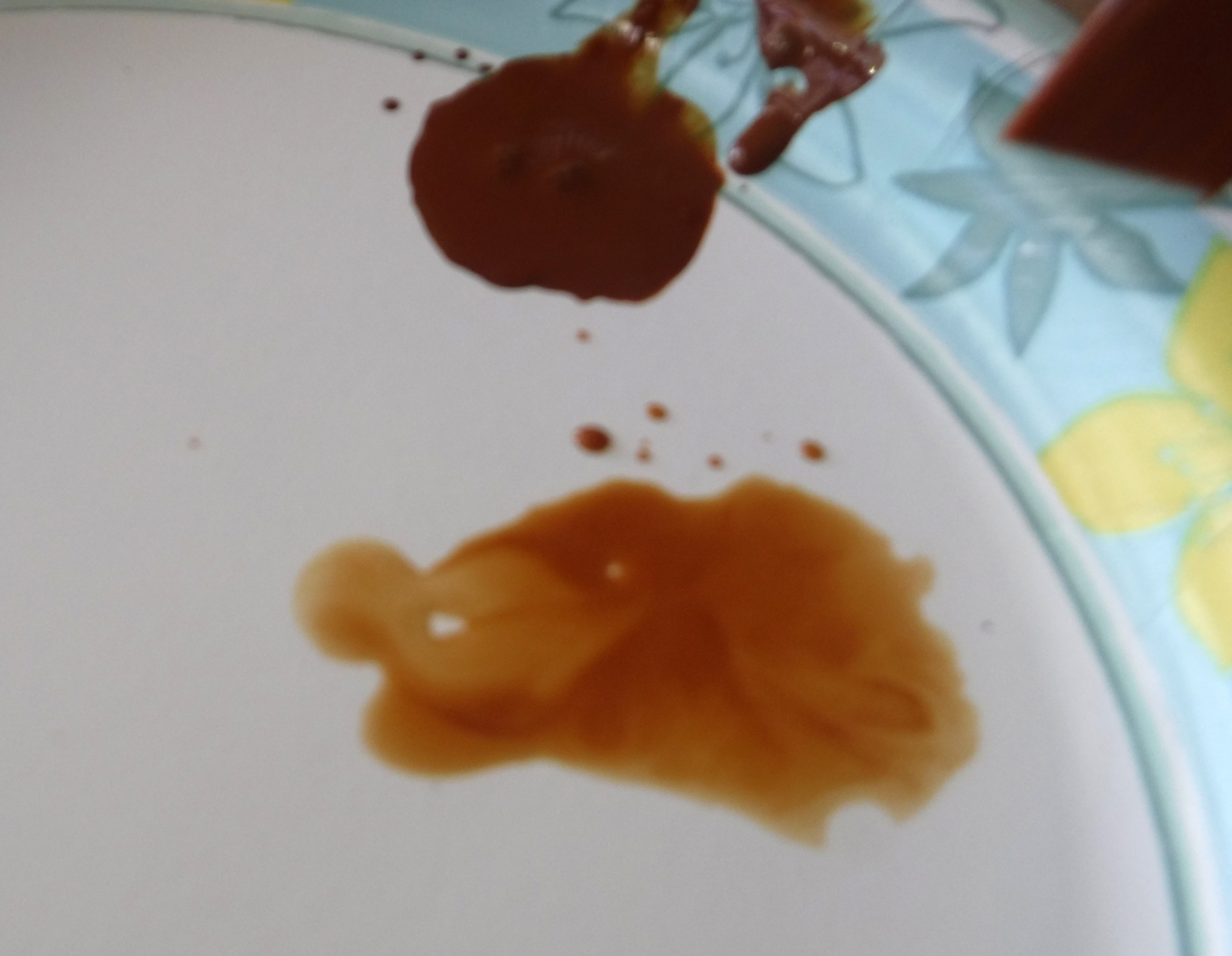
Closely consider this picture of wet paint.
The upper puddle is P3 Bloodstone with a little water in it. The lower puddle is water with a little P3 Bloodstone in it. You’ll be using the lower puddle.
Get your brush sopping wet in the watery Bloodstone puddle. Generously apply that to the Handbrain. You’ll need several brushloads to get the job done.
Keep going until the whole front face is wet, and you’ve got decent puddles hugging the details of the screen (including the details you made with paper and superglue.)
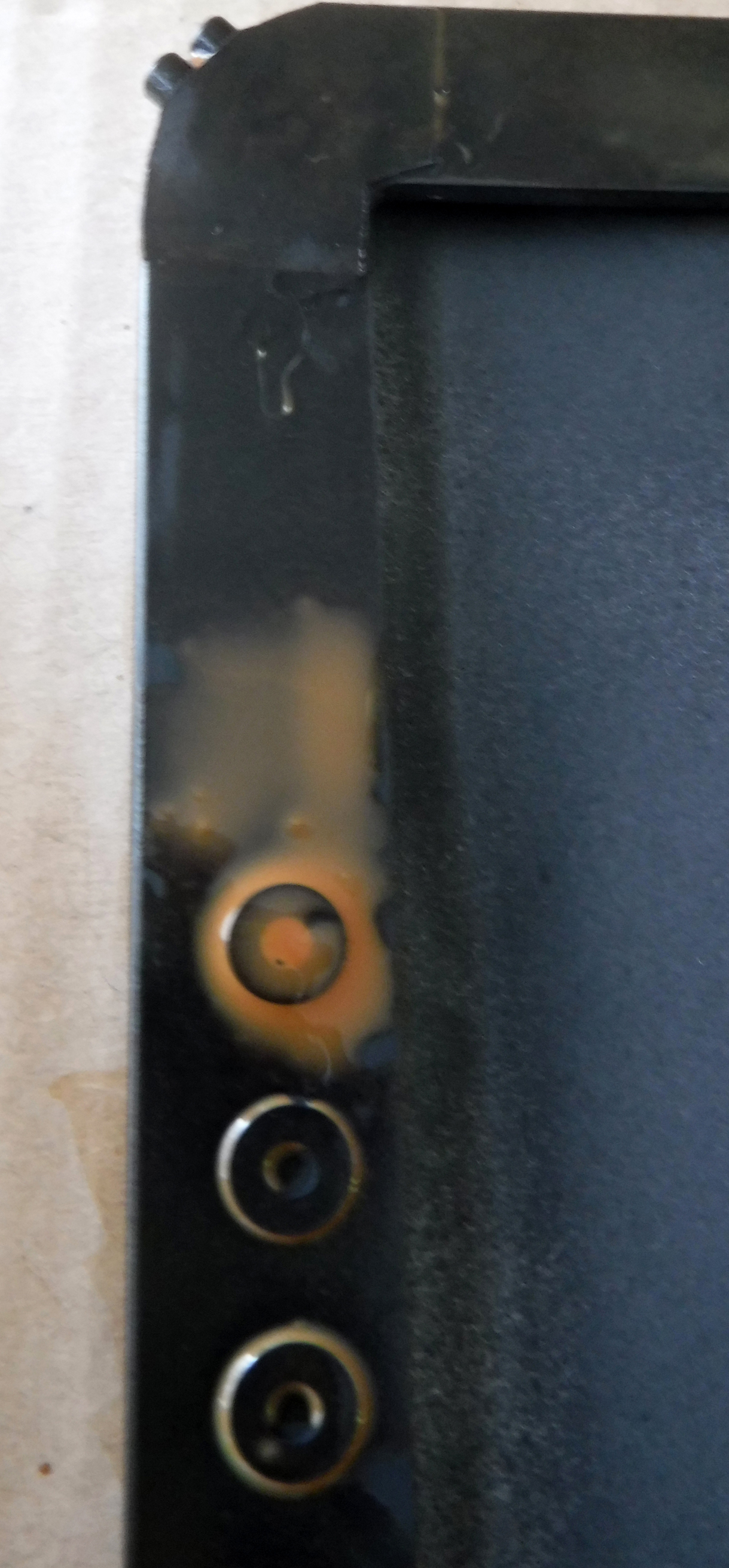
Wait for it to dry. While you wait, look at these two pictures:
The back of the handbrain, before and after the Bloodstone wash has dried.
Feeling better about the mess? Keep waiting for it to dry. You’ll know it’s dry when you begin wondering where this rusty piece of metal came from.
Repeat steps 3-5 on the back of the screen, complete with more waiting. Also, do the stand now.
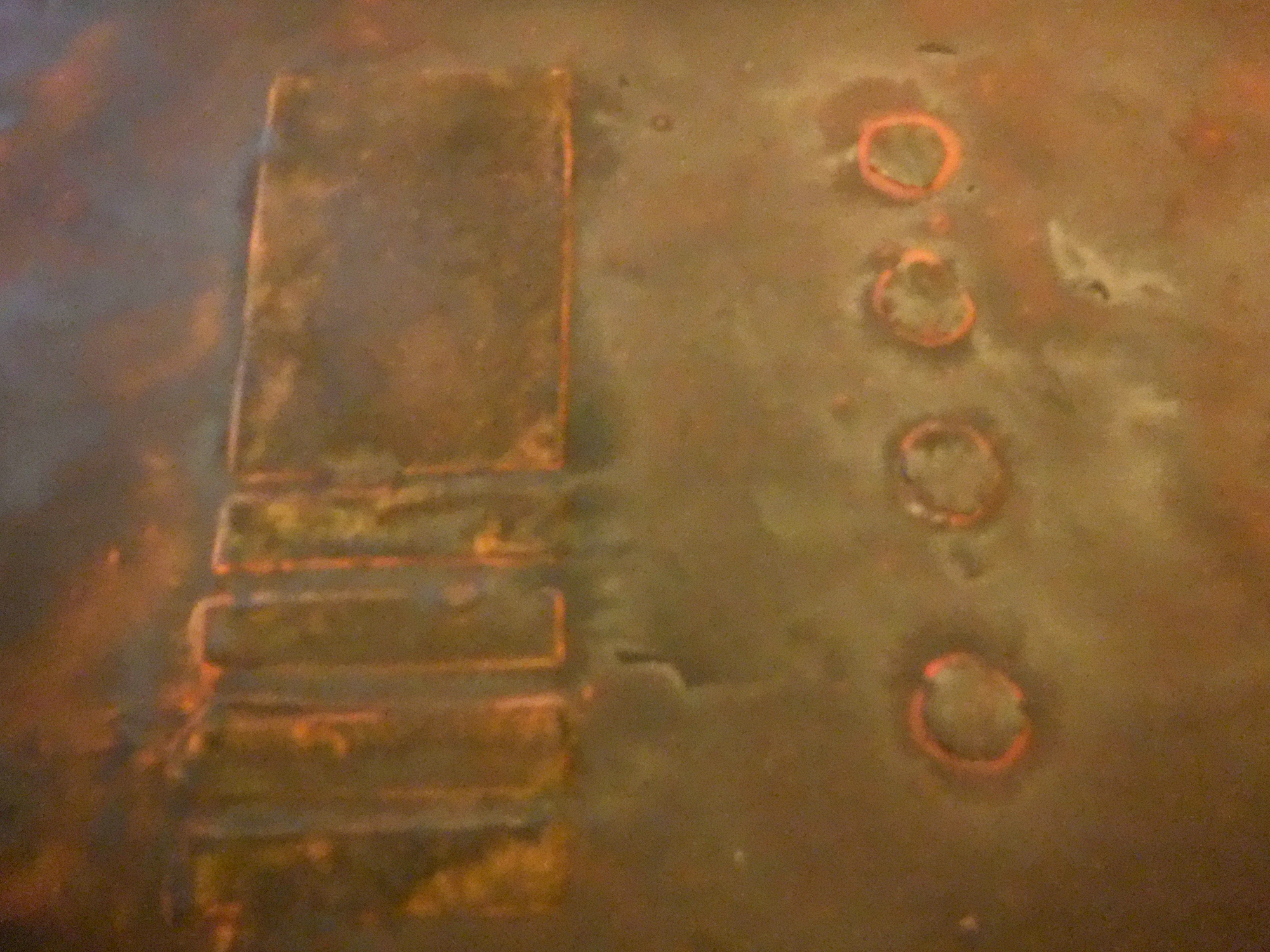
This is what the back of Sandra’s screen looked like in bright light. That’s ABS plastic, superglue, and paint. No slabs of iron were oxidized in the making of this photo.
Phase 5: Shiny Metal Shows Through
In which you learn to drybrush, and possibly get frustrated about having ruined the whole thing, but that’s normal because there’s a learning curve.
Read this aloud: “Learning to drybrush will take a few minutes, and even if I already know how to do it on miniatures, drybrushing something big and flat may prove different.”
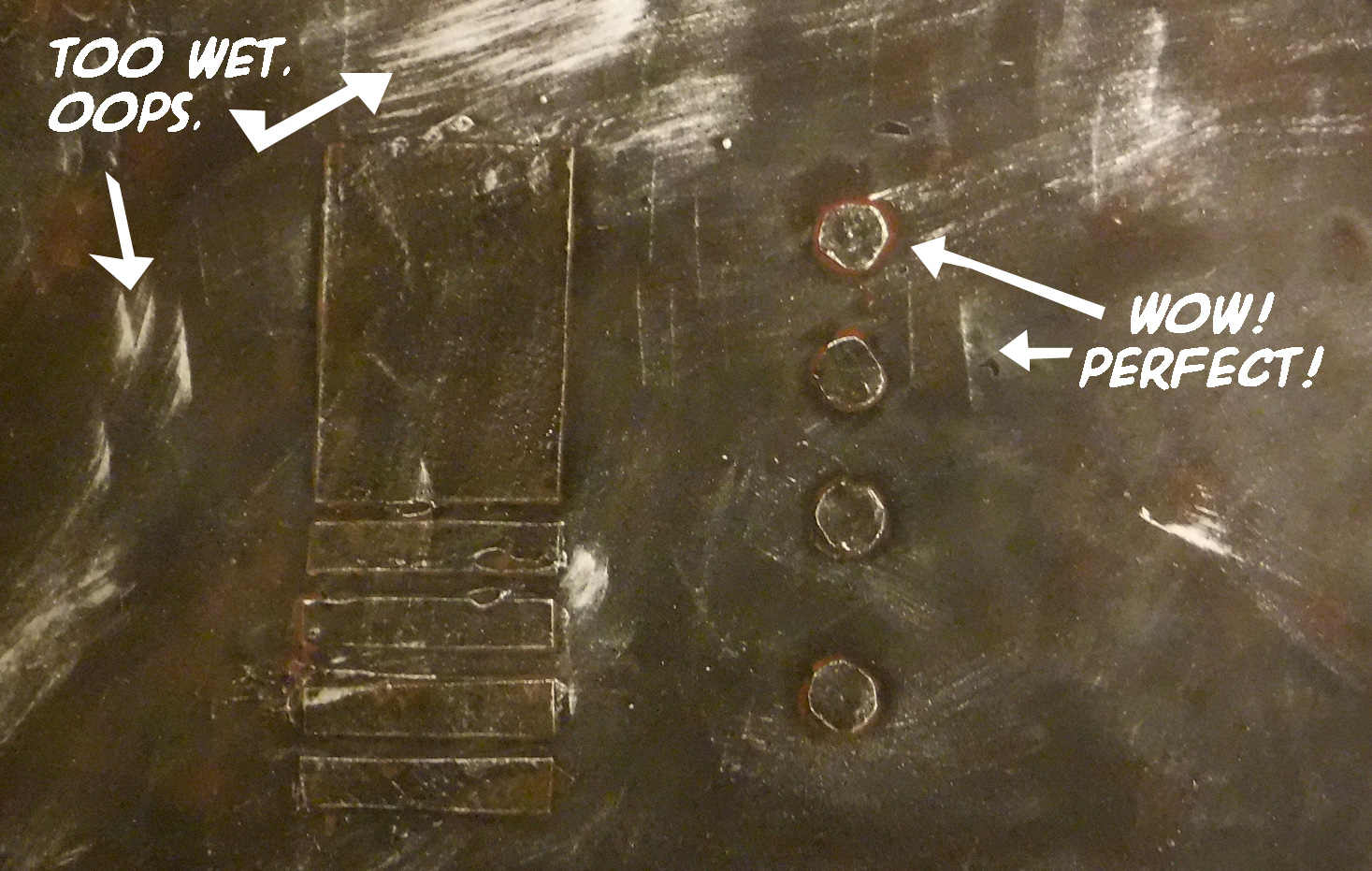
Look at this picture (click to enlarge). It is from Sandra’s first-ever drybrushing, and it has awesome bits, and some mistakes.
Realize that by showing you our mistakes, we’re giving you permission to make a whole bunch of your own. Relax…
Get a little paint on your big brush.
With a rapid, back-and-forth motion, paint the paper. You’re getting all the wet paint off the brush, and getting air between the bristles. Keep going until no more paint blotches appear.
Pick up the stand (not the screen) and with that same motion, brush against the “grain” of the screen, your strokes moving at 90° to any raised edges or details. You’ll know you’re doing it right when the edges look shiny, but the flat areas have very little metallic sheen to them.
When the shine no longer appears as you brush it is time to reload your brush. Repeat steps 4-5.
Aren’t you glad you practiced on the small piece? Feeling confident? Good.
Pick up the screen, and drybrush it until you’ve made all the edges shine from the wear-and-tear that shaves oxidized metal away, and polishes what’s underneath.
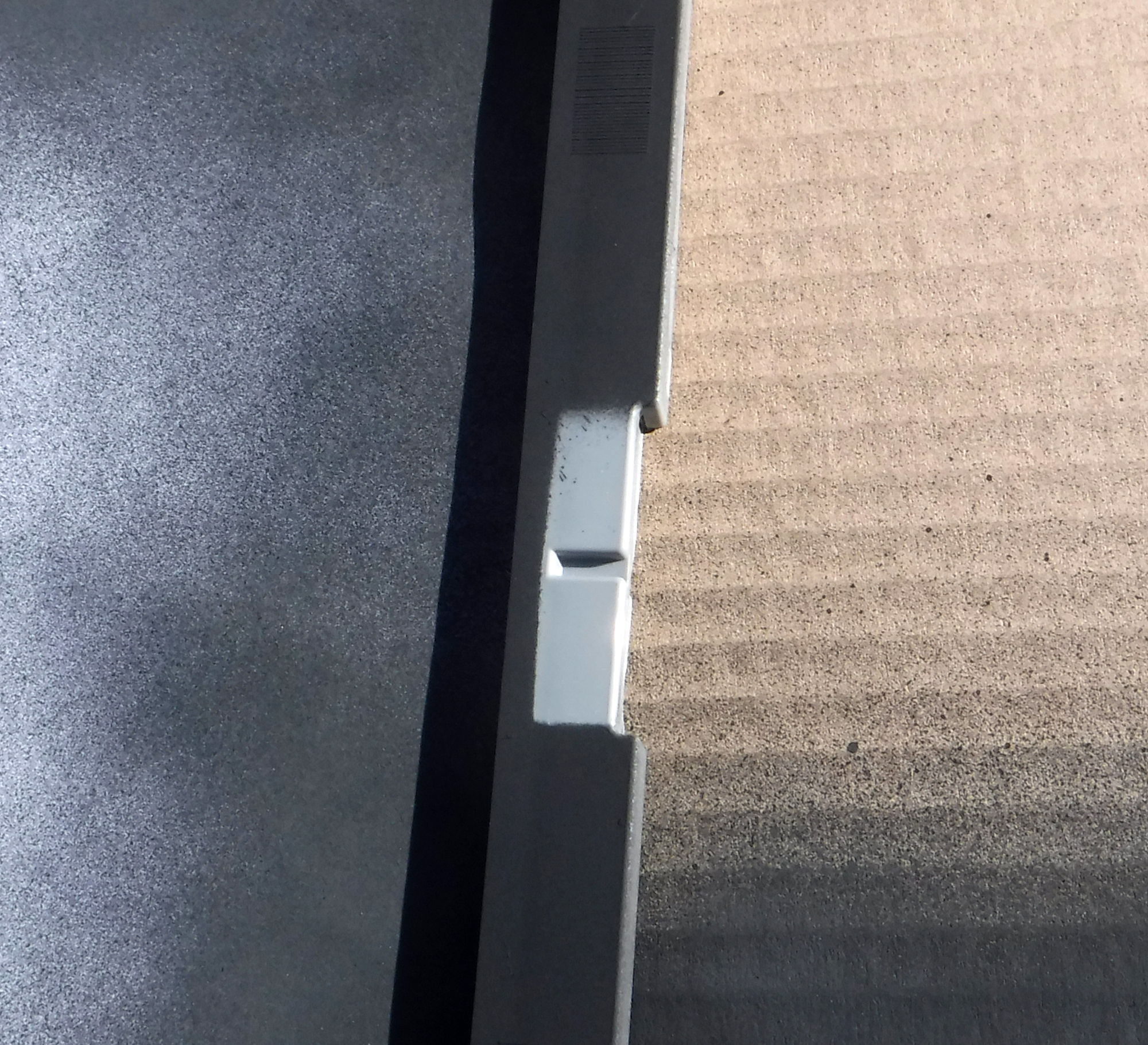
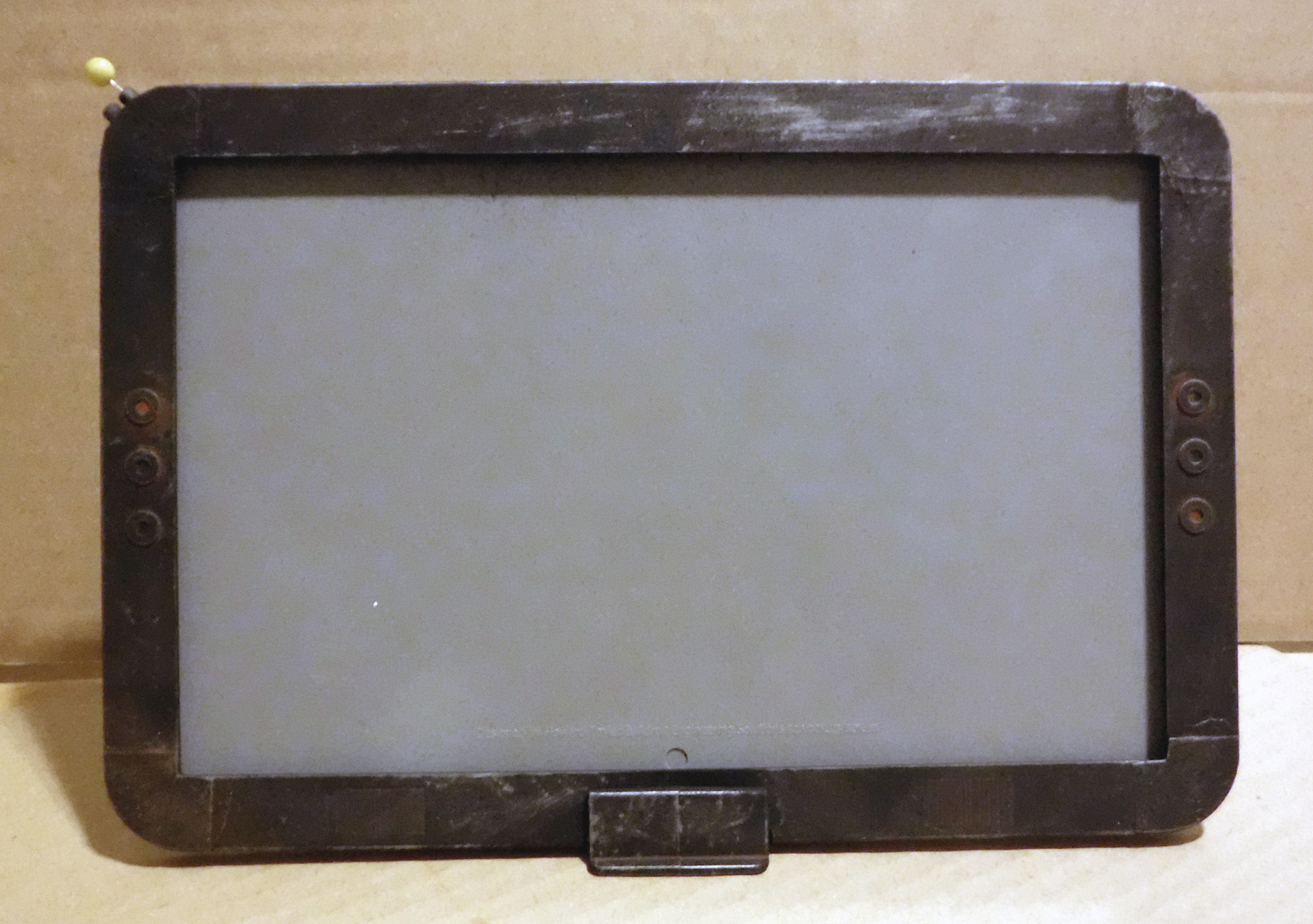
Here’s what Sandra’s looks like without the paper mask in place. The grey is naked ABS plastic. The rusty metal is not actually metal. Neat, huh?
Finished dry-brushing!
Phase 6: Make It Durable
Because you want to play with it, not just put it up on a shelf for display, right?
Return to your spray-painting place. It needs to be ventilated well, because this paint is pretty smelly.
If you removed it the paper from the screen, put it back in now.
Lightly spray the screen and its base with Testor’s Dullcote spray lacquer.
Make sure to spray the part where the base covers the screen.
Let it dry.
Testors Dullcote is my absolute favorite protective finish for models like this. It drys to leave a very flat, matte finish. Reflected light won’t be obscuring the paint job you worked so hard on. It shows off your work, while protecting the model from ordinary wear-and-tear. I like it so much I’ll totally shill for it, as evidenced by the linked text. I’ve used other matte finishes, but none are as purely non-reflective as Testor’s.
Summary
I often refer to this process in a way that omits all the persnickety details: “base coat, wash, drybrush, done.” For folks familiar with the hobby, that’s enough to get the point across.
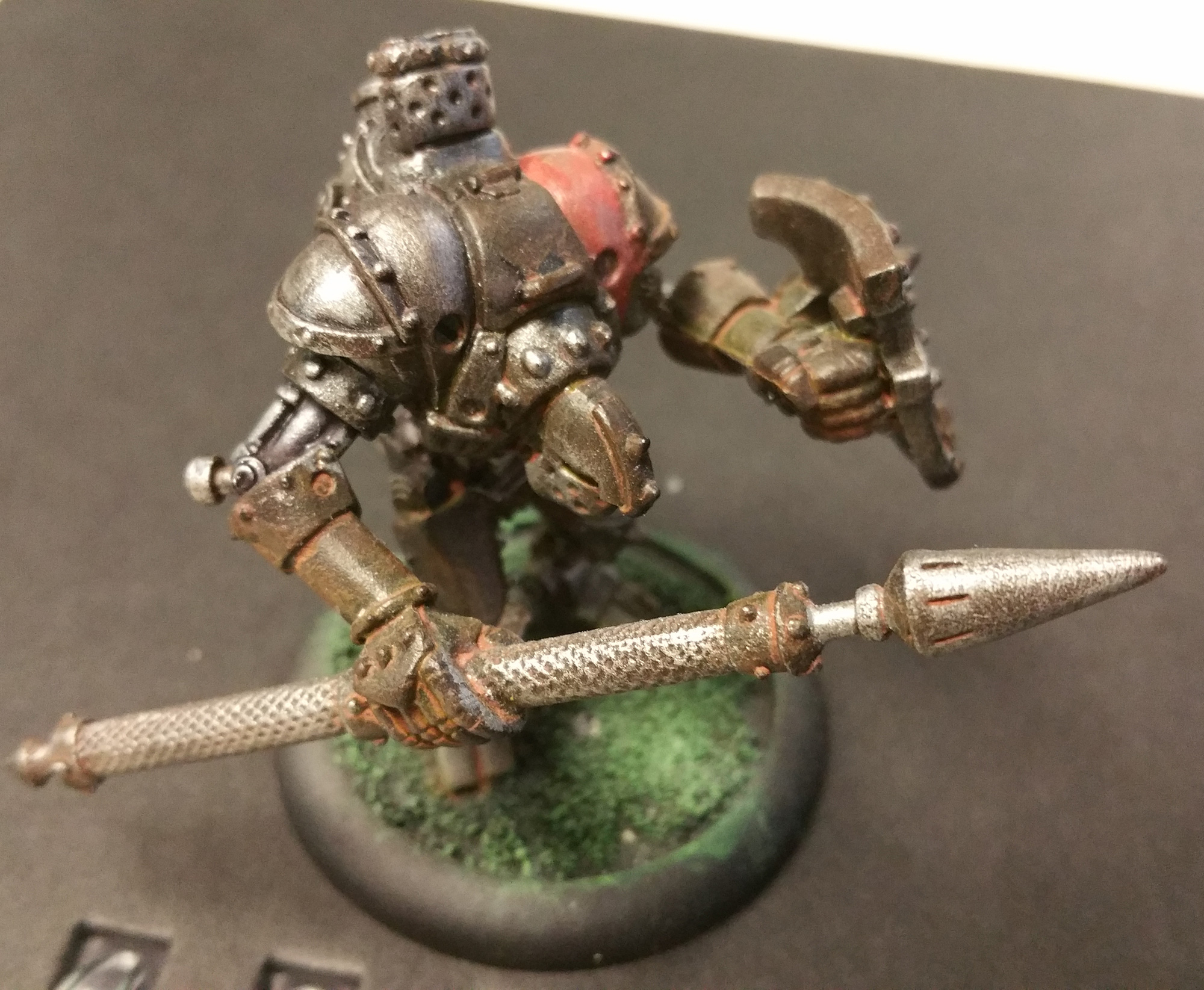
This process works quite well on 28mm miniatures. Often I’ll start by doing the rusty look, and then add colors to the parts of the mini that are not supposed to be weathered metal. Sometimes I’ll forget that the model isn’t actually finished, and it’ll stay in the rusty metal state for several years. Yes, Cygnar Lancer warjack, I’m looking at you. As is everyone else…
Cygnar Lancer warjack from Privateer Press. Photo, May 2017. Stopped painting sometime in 2013, or maybe earlier.
It’s not the only way to get this look, and it’s not even necessarily the best way, but after lots of experimentation, it strikes the right balance between “easy” and “the right look,” at least for me.